
Caring for Digital Tools — Why Not Everything Should Be Replaced When Something New Comes
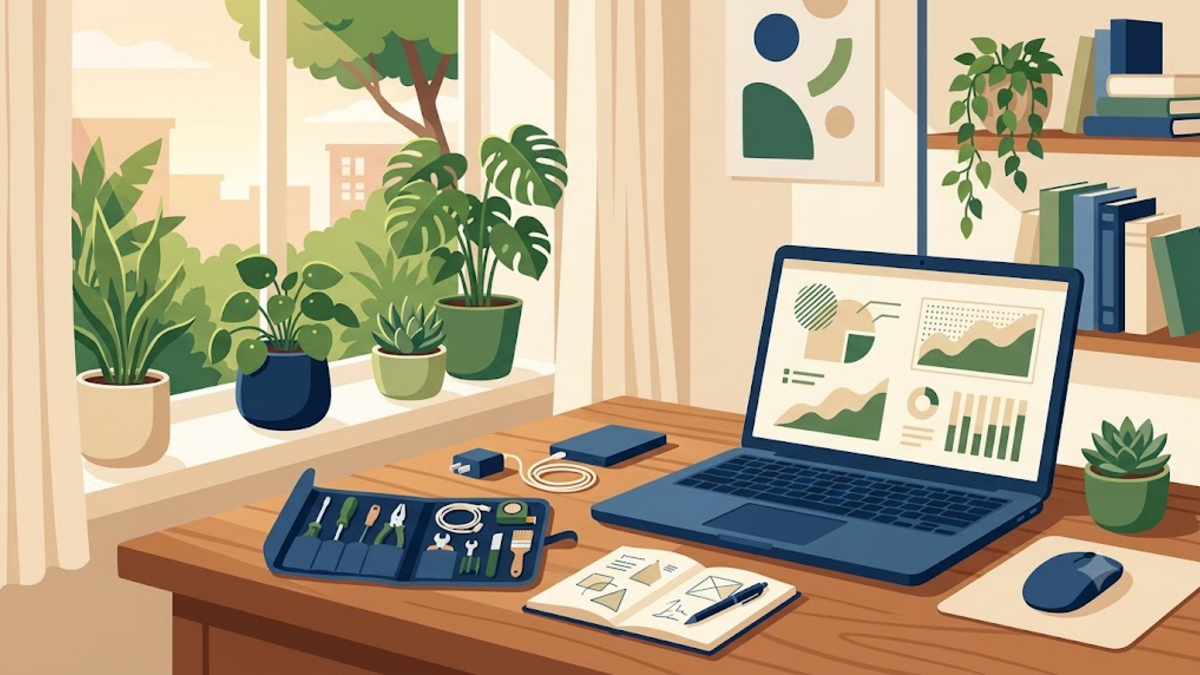
Caring for Digital Tools — Why Not Everything Should Be Replaced When New One Is New
There were times when the laptop I was using felt slow, new phones kept appearing on the screen, and apps reminded me that the latest version was available. The easiest reflex is to find a replacement. But after several times scraping old devices until they were useful again, I started to see digital tools in a different way: not just items that expire when trends change, but work companions that are worth looking after.
Maintaining doesn't mean resisting progress or forcing an obviously faulty device to work forever. It's about giving pause before buying, understanding the true need, and appreciating the functionality that still works. In an era when technology offers endless updates, that attitude feels like catching your breath in the middle of a busy street.
The Temptation of New Stuff
Technology is moving fast. Faster chips, sharper cameras, bigger batteries, and new designs always look attractive. There is nothing wrong with innovation. The problem arises when the feeling of being left behind makes us consider a device that is still quite good as something that has failed.
Even though the important word is enough. Laptops for writing, managing servers, opening documentation, and light image editing don't automatically have to be replaced just because there is a newer series. Cell phones for communication, navigation and family photos are not suddenly useless because the next generation of cameras have one additional lens.
The technology industry has its own rhythm: launch, spec comparison, discounts, then another launch. This rhythm is designed so that we continue to see the flaws in the objects in our hands. If you are not careful, the need turns into a race where the finish line is always moved. It felt like catching a bus that never stopped at the bus stop.
Old Devices Don't Always Mean Obsolete
I learned a lot from a used laptop which I then used as a home server. It's no longer suited to today's heavy lifting, but is still very useful for running Nginx, small databases, automation, internal DNS, and some private services. With lightweight Linux and appropriate configuration, the device takes on a new role.
This is what is often missed when assessing digital tools only from benchmark numbers. The value of a device is not always the same as its position in the store catalog. Old computers can be used as backup machines. An old phone can be a monitoring camera, offline music player, or application test device. Older routers may be suitable for networking labs. Even a hard disk that is no longer used for important data can still be used as a training room, as long as its condition is checked first.
Of course, there are boundaries that need to be respected. Devices that are no longer receiving security updates, whose batteries are swelling, or whose storage is starting to fail should not be blindly maintained. Caring is not romanticizing old things. Caring is making decisions based on real conditions, not just the urge to follow the new.
Caring starts with small things
Digital maintenance often sounds complicated, as if you have to be able to disassemble a laptop or understand all the electronic components. In fact, most of the benefits come from simple habits. Cleaning temporary files, updating the system, creating backups, and checking remaining storage is enough to extend the lifespan of many devices.
On a Linux computer, I usually start by looking at what's really taking up space. This simple command often gives a more honest answer than a guess:
df -h
du -sh ~/.* 2>/dev/null | sort -h
sudo apt autoremove
sudo apt clean
df -h shows the filesystem capacity, while du helps search for folders that are growing silently. After that, apt autoremove can remove dependencies that are no longer needed. Commands like this are not a cure for all problems, but they often make the computer feel relieved without having to buy new storage.
The same applies to mobile phones. Deleting unused apps, moving photos to the archive, checking app permissions, and replacing a weak battery can sometimes have a bigger impact than we think. Like tidying up your work desk, a device that is clean of small loads feels easier to work with.
Backup Is the Most Serious Form of Maintenance
There's a big difference between caring for a device and just looking after its appearance. The case can be clean, the screen can be scratch-free, but one disk failure can still wipe out years of collected photos, notes, or projects. Therefore, backup is the most important form of maintenance: it protects the contents, not just the container.
I try to remember the 3-2-1 principle: have at least three copies of data, stored on two types of media, and one copy located in another location. You don't have to immediately use an expensive system. Start from an external hard disk, then schedule regular backups of important documents. For server services, database backups and configuration files are often more valuable than the entire operating system installation.
Also important, backups must be tested. Files that are successfully copied cannot necessarily be recovered when needed. Occasionally take a file or small database, then try to restore it in a safe location. It's like making sure the umbrella doesn't have a hole in it before the rainy season actually comes.
Right to Correction and Understanding
Caring for digital tools is also related to the freedom to understand and improve them. When a device is made difficult to open, its components are permanently attached, or its documentation is sealed, users are pushed into passive consumers. There are only two choices: continue to use it as is or buy a new one.
I don't expect everyone to have to solder components or install custom ROMs. But the basic ability to change storage, add RAM, choose an operating system, or move data yourself is a healthy thing. It makes our relationship with technology more equal. We don't have to master the whole machine, but at least know that there is a door to learning when needed.
This is where open source feels relevant. Not because all proprietary software is bad, but because open options provide room to extend the life of the device. Lightweight Linux distributions, alternative applications, and community documentation can keep old computers safe and useful. Often what is needed is not a new device, but more appropriate software.
When is Replacing the Right Decision?
The attitude of caring should not turn into a burden. There are times when replacing a device is more economical, safer and makes sense. I usually consider replacement if the device is consistently hampering key tasks, repair costs are too close to the replacement price, no longer has important security updates, or its power consumption is not commensurate with its function.
For servers, disks that show signs of failure need to be immediately retired from critical duties. For cell phones, a swollen battery is a safety issue, not a reason to delay. For work laptops, the wait time that eats into productive hours each week is a real cost. In such conditions, buying new is not a defeat of the principle of care, but rather part of a responsible decision.
The difference lies in the process. We change because we have a clear reason, not because an algorithm succeeded in making us feel inadequate. Old devices that are still functional can be sold, donated or repurposed safely after their data has been properly erased.
More Personalized Technology
Caring for digital tools ultimately teaches a calmer relationship with technology. We stop seeing every device as a status symbol and start seeing it as a tool to get work done, learn, create, and maintain connections with others. Scratches on a laptop, a familiar keyboard, or a small server in the corner of the house can be a reminder that usefulness doesn't always come from the newest thing.
I still enjoy technological developments and do not rule out buying new devices when I really need them. But I want that decision to be born out of necessity, not anxiety. Before replacing, try asking: what can't this tool actually do? Can the problem be repaired, cleaned, or repurposed?
Maybe the answer is still to buy new, and that's okay. But if the answer is “actually still enough”, we have just saved money, reduced e-waste, and given ourselves a little control over the flow of consumption. If you have an old device that is still working faithfully, tell us in the comments column: does it still have a new role in your home or work space?