
HTML Autocomplete - Let the Browser Understand Your Form
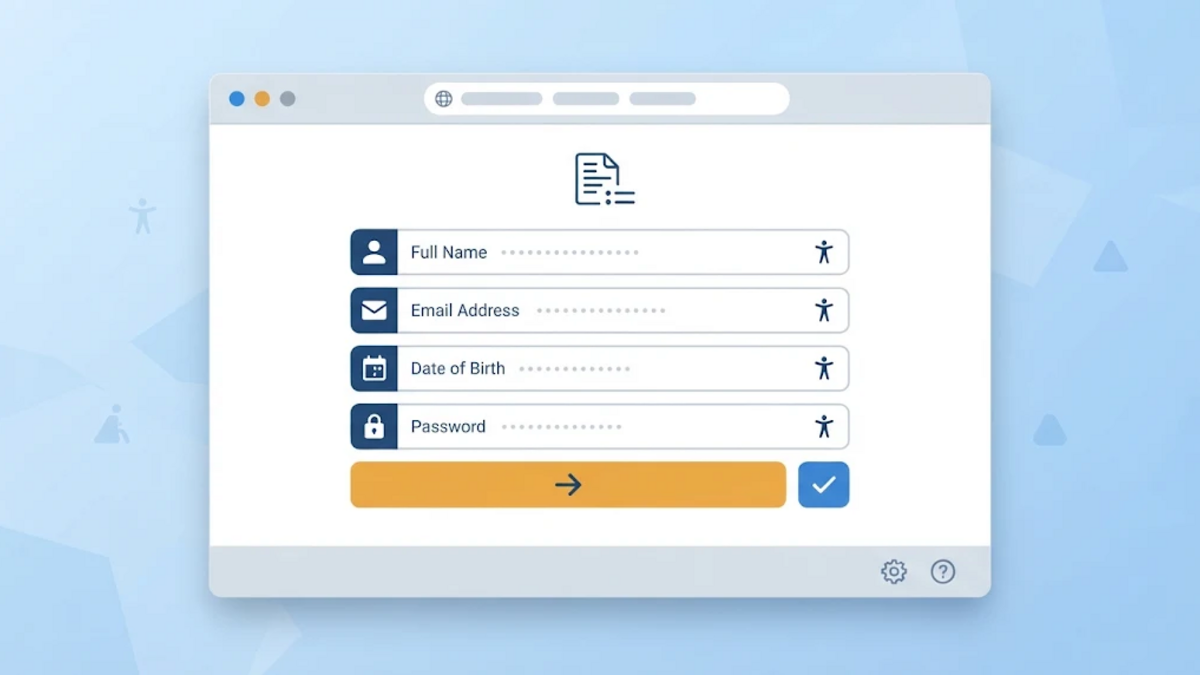
HTML Autocomplete — Let the Browser Understand Your Form
A form can be perfectly understandable to a person and still be ambiguous to a browser. A label such as “Email” tells the reader what to type, but it does not always tell software whether the field is the visitor's email address, another person's address, or an address used for a different purpose. This is the small problem that the HTML autocomplete attribute is meant to reduce.
The attribute is often treated as a switch for turning autofill on or off. That is an incomplete mental model. In many cases, its more useful job is to describe the meaning of a field using a vocabulary that browsers and assistive technologies can recognize. The browser can then decide whether it should offer a stored value, while the page remains responsible for labels, validation, privacy, and server-side security.
Autocomplete Is a Hint, Not a Promise
The HTML Standard describes autocomplete as guidance for the user agent about the kind of value expected in a control and whether automated assistance may be provided. It is available on form controls such as text inputs, textareas, and selects, and it can also be placed on the form element.
That wording matters. The page does not receive a command saying “fill this field now,” and it does not get to inspect the browser's private autofill database. The browser may offer a suggestion, fill a group of fields after the user chooses a profile, or do nothing. Browser settings, user choices, field structure, and the type of data all affect the result.
There are three broad forms of value:
onpermits automatic completion without identifying a precise data type.offasks the browser not to provide or store ordinary autocomplete data for that field or form.- A token list identifies the expected purpose, such as
emailorpostal-code.
For fields that collect a known kind of personal information, a token list is usually more useful than simply writing on. It says what the field means rather than leaving the browser to guess from a label, an id, or a name.
Use the Field's Meaning, Not Its Visual Label
Consider a simple contact form:
<form method="post" action="/contact">
  <label for="name">Name</label>
  <input id="name" name="name" type="text" autocomplete="name">

  <label for="email">Email</label>
  <input id="email" name="email" type="email" autocomplete="email">

  <button type="submit">Send</button>
</form>
The visible labels are still necessary. The autocomplete values add a machine-readable description: the first field expects a person's full name and the second expects an email address. The MDN reference documents many other detail tokens, including given-name, family-name, username, tel, url, and organization.
Using type="email" is still useful because it expresses a broad input type and enables relevant constraint validation. It does not always express the complete purpose, however. A field for the user's email and a field for a recipient's email can have the same broad type but different meanings. Autocomplete tokens are more specific when the standard provides the right one.
Token Order Is Part of the Meaning
Autocomplete values are not arbitrary labels invented by each website. They are an ordered list of defined tokens. Optional tokens can identify a named section or a grouping such as shipping or billing, followed by a detail token.
For example, two postal-code fields in the same checkout form should not be described identically if one belongs to the shipping address and the other belongs to the billing address:
<label for="shipping-postal">Shipping postal code</label>
<input id="shipping-postal" name="shipping_postal"
       autocomplete="shipping postal-code">

<label for="billing-postal">Billing postal code</label>
<input id="billing-postal" name="billing_postal"
       autocomplete="billing postal-code">
The detail token is postal-code; the preceding grouping token supplies the context. For repeated address groups, a section- token can name a group. The standard requires it to appear at the beginning of the list, followed by the optional grouping identifier and the detail token.
This is a small example of an important principle: autocomplete metadata should describe the data model of the form, not merely its visual arrangement. A form may show several addresses in different layouts, but the tokens can still tell the browser which values belong together.
Passwords Need the Right Purpose
Password fields are where the idea of “turn autofill off” most often becomes misleading. A sign-up form and a sign-in form do not ask for the same password purpose.
<!-- Account creation or password replacement -->
<label for="new-password">New password</label>
<input id="new-password" name="password" type="password"
       autocomplete="new-password">

<!-- Existing account sign-in -->
<label for="current-password">Password</label>
<input id="current-password" name="password" type="password"
       autocomplete="current-password">
new-password tells the browser that an existing saved password should not be treated as the expected value and that password-generation assistance may be appropriate. current-password identifies a credential used to sign in. These tokens do not replace password hashing, transport security, session protection, or any other server-side control. They only make the intended interaction clearer to the user agent.
The MDN security guidance also explains why autocomplete="off" is not a universal way to disable password-manager behavior. Modern browsers may continue to offer saved login credentials because helping users use unique passwords can be safer than forcing them to remember weak ones. A website should not assume that an attribute can override a user's password-manager choice.
One-Time Codes Are Different from Reusable Details
A one-time verification code is not a reusable profile detail such as a name or an address. The standard vocabulary includes one-time-code for this purpose:
<label for="verification-code">Verification code</label>
<input id="verification-code" name="code" inputmode="numeric"
       autocomplete="one-time-code">
This tells supporting user agents what kind of value is expected. It does not authenticate the code, prove where it came from, or make an SMS channel secure. The server still needs to verify the code, apply expiration and attempt rules appropriate to the application, and protect the verification flow.
If a field genuinely should not be completed from previously stored ordinary form data, off may be appropriate. A one-time code is a clearer example than a normal name or address field. Even then, the attribute is a request to the user agent, not a security boundary around the submitted value.
Accessibility Is More Than Convenience
The W3C explanation of WCAG 2.2 Success Criterion 1.3.5 distinguishes a visible label from a programmatically determined input purpose. The goal is to let software identify what common personal-information fields are for, so user agents and assistive technologies can present that information in suitable ways.
This can reduce repetitive typing, but convenience is not the only benefit. People with memory, cognitive, language, or motor disabilities may benefit when a form exposes a consistent vocabulary for names, addresses, telephone numbers, and other common data. The fixed tokens are independent of the language used by a particular label, which gives supporting software another stable signal.
There is an important nuance: WCAG does not require a browser to autofill the field. The purpose must be programmatically identifiable when the technology supports it. A browser can decide not to offer a suggestion and the markup can still expose the correct purpose. Conversely, a browser guessing correctly from heuristics is not the same as the author explicitly identifying the purpose.
What This Attribute Cannot Do
It is tempting to assign too much responsibility to one HTML attribute. Autocomplete cannot:
- validate the submitted value on the server;
- protect a password, payment detail, or verification code in transit;
- guarantee that a browser will fill, save, or refuse to fill a field;
- replace a visible label or usable form layout;
- make a malicious or modified client trustworthy.
It also should not be used with made-up values merely to confuse autofill. Invalid tokens remove a useful semantic signal and can make forms harder for browsers and assistive technologies to understand. If a field has a defined purpose, use the standard token. If it truly needs a one-off value, choose the narrowest appropriate behavior and treat the server as the final authority.
A Small Review Checklist
Before shipping a form, review it with questions rather than with a single “autofill works” test:
- Does every control have a clear visible label?
- Does the control's
typedescribe its broad input type? - Is there a defined
autocompletetoken for the user's actual purpose? - Are repeated address or contact groups distinguished with the right context?
- Are sign-in, sign-up, and one-time-code fields described differently?
- Am I using
offfor a real one-off or privacy reason rather than to hide a poorly designed form? - Does the server still validate and protect every submitted value?
Conclusion
autocomplete is a modest piece of HTML, but it sits at an interesting boundary. It lets a website describe the purpose of a field without taking ownership of the browser's private data store. Used precisely, it can make forms easier to complete and more understandable to assistive technology. Used as a supposed security switch, it creates false confidence.
The practical approach is therefore simple: keep the visible label, choose the standard token that matches the actual purpose, group related fields deliberately, and assume that the browser retains the final choice. A form becomes more helpful not when it tries to control every user agent, but when it gives each one clear information and leaves security decisions to the layers that can actually enforce them.
References
- HTML Standard: Autofilling form controls, WHATWG.
autocompleteHTML attribute, MDN Web Docs.- Understanding Success Criterion 1.3.5: Identify Input Purpose, W3C WAI.
- How to turn off form autocompletion, MDN Web Docs.
- Learn Forms: Autofill, web.dev.