
CIS Controls v8 for Small Organizations — Starting with Security Where it Makes the Most Impact
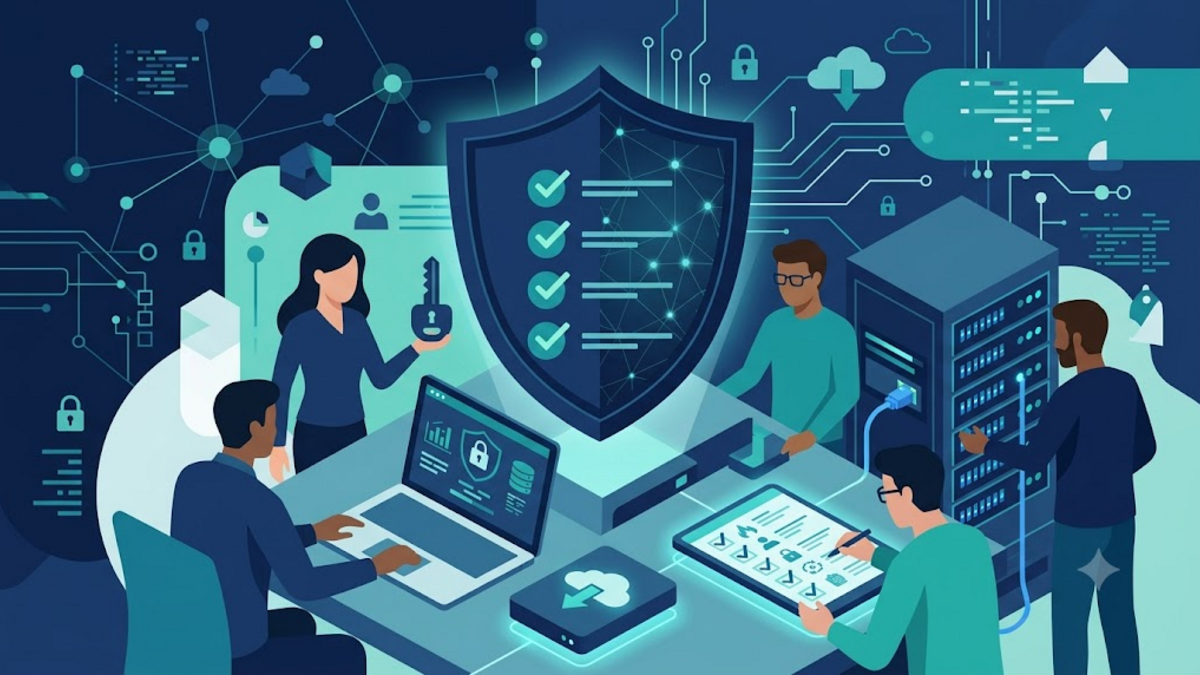
CIS Controls v8 for Small Organizations — Starting with Security Where it Makes the Most Impact
When you hear the term cyber security framework, the images that come to mind are often large server rooms, dedicated teams, and documents as thick as a phone book. In fact, small businesses, communities, and home server managers actually need simple directions. They don't have time to install all the tools at once, but still have to know which doors need to be locked first.
That's where CIS Controls v8 comes in handy. This framework does not promise an attack-proof system. It helps us structure our security work based on impact, like tidying up the house before going out: check the doors, windows and main locks first before thinking about overly sophisticated sensors.
What is CIS Controls v8?
CIS Controls is a set of security practices published by the Center for Internet Security. The eighth version includes 18 controls covering asset inventory, access management, backup, incident response, and application security. Each control contains a safeguard, which is a more concrete action to implement.
What makes it interesting is not just the list. CIS Controls also divides implementation into three Implementation Groups or IGs. IG1 is intended for environments with limited resources and common risks. IG2 adds to more complex organizational needs, while IG3 is suited to environments with high risks and mature technical capabilities.
For small teams, starting from IG1 is a healthy decision. There's no need to be embarrassed about not having implemented everything. Security that is actually implemented is more valuable than a long checklist that just sits in a folder.
Start with the Most Basic Question: What Do We Have?
Many security problems stem from forgotten assets. An old laptop still has company email access. The old domain remains active but no one is monitoring it. The VPS for the experiment turned out to have an open port to the internet. We cannot protect goods whose existence is unknown.
Therefore, Control 1 and Control 2 regarding inventory are a good foundation. Make a list of the devices and software used. You don't have to immediately use an expensive platform; A regularly updated spreadsheet is enough for the first step. Note the owner, function, location, operating system and update status of each device.
Nama aset       : server-rumah-01
Fungsi          : reverse proxy dan monitoring
Pemilik         : admin
Sistem operasi  : Debian 12
Alamat jaringan : 192.168.1.2
Backup terakhir : 2026-08-04
Status patch    : diperiksa mingguan
A simple list like this also makes things easier when there is an incident. Instead of searching from memory, the team had a starting point to examine the impact. Inventory is not a one-time job; incorporate the update into the process when purchasing a device, creating a new account, or terminating service.
Identity is more important than just a password
Controls regarding account management and access control are especially relevant because many of today's attacks do not require dramatic server compromise. Attackers only need to get passwords from phishing, old data leaks, or reused passwords. After that they log in through the front door as a legitimate-looking user.
The first step is to delete or deactivate accounts that are no longer needed. Former team member accounts, test accounts, and joint accounts without a clear owner are security debts. After that, make sure everyone uses a personal account so that activities can be traced without blaming each other.
Enable multi-factor authentication for email, domain panels, hosting, code repositories, and financial applications. Prioritize authenticator or security key applications over SMS if the option is available. Password managers also make the use of unique passwords realistic, not just ideal advice.
The principle of least privilege needs to be practiced calmly. A content writer does not need to have production database access, just as a house guest does not need to hold the entire set of keys. Grant access according to work needs, then review it as someone's role changes.
Patch, Configure, and Backup: Three Mutually Supporting Habits
Updates often feel annoying because they risk changing the appearance or breaking old plugins. But delaying patching indefinitely is like allowing a roof leak because you're afraid the repair work will make the house a mess. Determine a regular schedule to check for updates to the operating system, applications, plugins, router firmware, and libraries used by the application.
The schedule doesn't have to be complicated. For small servers, weekly checks and scheduled patches are much better than waiting for news of an incident. Also document the secure configuration: ports that need to be open, administrator accounts, running services, and the reasons behind certain exceptions.
On the other hand, backups are a pair of patches that are often forgotten. Patches prevent some problems, while backups provide a way back when prevention fails. Apply the 3-2-1 principle: three copies of data, across two types of media, with one copy in a separate location. A backup that has never been tested is not a backup; it's just hope stored in the form of a file.
# Contoh kebiasaan sederhana: uji apakah backup restic dapat dibaca
restic -r /mnt/backup/restic snapshots
restic -r /mnt/backup/restic check
The above command is not a substitute for a full recovery procedure. Occasionally perform a simulated restore for one file or one database to a separate environment. From there we know whether the credentials are available, the data is completely intact, and the recovery time is reasonable.
Don't Wait for an Incident to Prepare a Response
Controlling incident response sounds like the job of a large company, but the simplest forms are very doable for a small team. Create a one-page document that answers: who to contact, how to isolate the device, where logs are stored, when passwords should be rotated, and who informs users if services are impacted.
Save the list of contacts and initial steps in a place that can still be accessed when the main service is experiencing problems. If all records are stored only in the email whose account was hacked, that document won't be much help. Practice a simple scenario, for example a hosting admin account is suspected of being taken over. The goal is not to make the team panic, but rather to reduce confusion when time is really tight.
Compiling the First 30 Days
So that CIS Controls doesn't stop being reading material, I usually divide it into small jobs. The first week focuses on inventory of devices, software, critical accounts, and critical data. The second week closes unused accounts, activates MFA, and installs a password manager. The third week is used for patches, checking internet-facing service configurations, and ensuring backups are running. The fourth week was used for test restores and writing short incident response procedures.
After one round, select the next improvement based on actual risk. Maybe the logs haven't been collected properly, maybe the laptop doesn't use disk encryption, or maybe the web application doesn't have a security review process. Measure progress through small pieces of evidence: recent asset lists, active MFA, backup reports, or restore test results notes.
Conclusion
CIS Controls v8 provides a practical language for talking about security without having to immediately drown in jargon and expensive tools. For small organizations, the core benefits are in order: identify assets, control access, maintain systems, prepare backups, and know what to do when something goes wrong.
Security is not a one-time project, but rather a habit of maintaining the systems we rely on every day. Start with IG1 and one fix that can be completed this week. If you have tried implementing one of these controls on a team or home server, share your experience in the comments column. Real experience is often the best checklist for the next step.