
Digital Legacy — What's Left Behind When Our Accounts Stop Being Active?
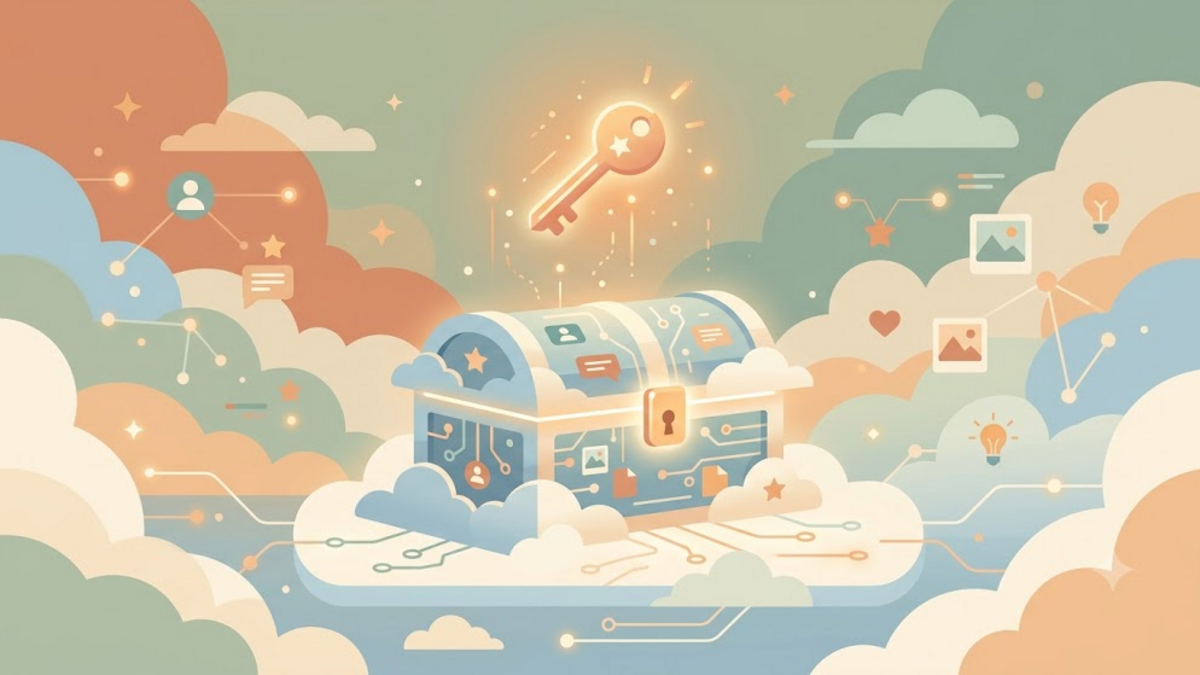
Some time ago I just opened an old folder in cloud storage for fun. There are photos from 2014, blog notes that have never been published, screenshots of chats with friends who are no longer connected. It was like opening a wooden chest in grandma's attic: the dust was thick, but every object told a story. Then I stopped for a moment and asked: if one day I can no longer log in, will anyone know what the contents of this chest are here?
This question sounds tough, but it's actually very practical. We spend years collecting digital data — photos, emails, notes, projects, even virtual currency — but rarely think about what happens to it after we're gone. Imagine building a big house with lots of rooms, but not leaving the keys for the people we love. The house is still there, but no one can enter.
What is Digital Legacy?
Digital legacy is all the traces and digital assets that we leave behind after we die or are no longer able to access our accounts. It's not just about money in e-wallets or cryptocurrencies, although that includes them. More than that, digital legacy includes photos on our phones, notes in our notes app, code repositories on GitHub, blogs we write, music playlists, messages on social media, and even characters in online games we've built over the years.
If you think about it, our identity now lives in two places at once: the real world and the digital world. In the real world, inheritance can be land, a house, or jewelry. Our parents probably kept old letters in a drawer. But in the digital world, our heritage is spread across dozens of services with their own rules. Some make it easier for families to access, others actually lock accounts forever because of rigid privacy policies.
Why Do We Only Care After the Event?
Like health insurance, digital legacy is often thought of as something to "think about later." It doesn't seem important when we are still healthy and can remember all the passwords. But accidents, illness, or even death can come suddenly. And in that moment, those closest to us aren't just grieving — they're also confused: how do I access my online bank account? Where are the family photos stored? Who should close social media accounts?
I once heard the story of a friend who lost his mother. The mother saved many childhood photos of her children on her cellphone, but her cellphone was locked with a PIN that no one knew. The family finally had to accept that the memories were gone with the device. This is not a rare story. Almost every modern family has a small version of a similar story.
Fortunately, several technology companies are starting to realize this problem. Google has an Inactive Account Manager which can send data to trusted contacts after an account has been inactive for a certain period of time. Apple has Digital Legacy, a feature that allows families to access iCloud data after the owner dies. Facebook and Instagram have a memorialization option, where the account can be kept as a memorial. But these features are only useful if we set them up first — just like writing a will.
It's Not Just About Passwords
If the digital legacy problem is only about passwords, the solution is simple: write down the passwords in a safe place. But the reality is more complicated. First, there is the legal aspect. Not all countries consider families entitled to a person's digital accounts. Some platforms state that accounts cannot be transferred, even if the person concerned has died. Even in Indonesia, regulations regarding digital heritage are still in the developing stage.
Secondly, there are privacy considerations. Do we really want everyone to see the contents of our private chats, drafts of unsent emails, or our digital diaries? There may be some accounts that we want to close, not open. Digital legacy does not mean giving full access to everyone, but deciding what is kept, what is deleted, and what is secured.
Third, there are technical factors. Many accounts are now protected with two-factor authentication (2FA). If a 2FA code is sent to a locked phone, or to an authenticator app on a device that cannot be accessed, then a password alone is not enough. Imagine being in front of a safe that requires two keys, but the second key is in the pocket of someone who is no longer there.
Three Simple Steps to Get Started
We don't need to be security experts or notaries to start tidying up our digital heritage. Here are three steps that are quite simple, but can really help the family later:
1. Create an inventory of accounts and digital assets
Write down the important services you use: email, online banking, cloud storage, social media, domains, and code repositories. There's no need to write down the password here; just register an account and what it does. It's like making a treasure map, although the key is kept separately.
2. Choose one or two trusted people as digital executor
This is the person who will help manage your accounts if something happens. Make sure they understand basic technology, are emotionally trustworthy, and know where to store important information. Tell them directly, don't just save their name in a file that is never read.
3. Use the platform's built-in features or password manager
Enable Inactive Account Manager on Google, Digital Legacy on Apple, or a similar feature on another service. Save the recovery key and main password in a safe place, such as a password manager with the emergency access feature. If possible, print one copy of the backup code and store it in a physical safe or a place known only to those close to you.
Here's an example of a simple note that you can make as a start:
Digital Assets Inventory — 2026
--------------------------------
Primary email: gmail
Cloud storage: google-drive, icloud
Finance: bank-satu, e-wallet-dua
Social: twitter/x, instagram, linkedin
Code/hosting: github, domain registrar
Notes: buatkan recovery key, simpan di brankas fisik
Trusted contact: [nama] — [hubungan] — [nomor]
This note doesn't need to be pretty. The important thing is that it can be read and understood by people we trust.
Why I Started Self-Documenting
I'm not writing this because I think I'm going to leave soon, and I'm not paranoid about being hacked either. I write because I realize that the little data I have — blogs, notes, photos, open source projects — are part of my story. If one day I'm not around, I want my family to know where to find it, and to have the choice to keep it or let it go.
There is something unique about digital heritage compared to physical heritage. A handwritten letter can only be read by one person at a time, but a digital file can be copied, shared, and passed down to many people at once. On the other hand, digital files can also be lost in an instant if the service is closed or the account is locked. Therefore, tidying up your digital legacy is not only a matter of preparing for death, but also a matter of appreciating what we have built during our lives.
Conclusion
Digital legacy is a topic that is often considered taboo or unimportant, even though it is very close to our daily lives. Every photo we upload, every email we send, and every account we register is a trace that may last longer than our own. With a little preparation — a list of accounts, trusted contacts, and the right security features — we can ensure that digital footprint becomes a meaningful legacy, not a confusing burden.
If you have thought about this, what is the first step you have taken? Or did you just realize it after reading this article? Write in the comments — I'd love to know your perspective. And if you have any personal experiences you want to share, please do; This lighthearted discussion might help others start tidying up their own digital coffers.