
Digital Ownership — Why It's Not Enough to Store Personal Files in the Cloud
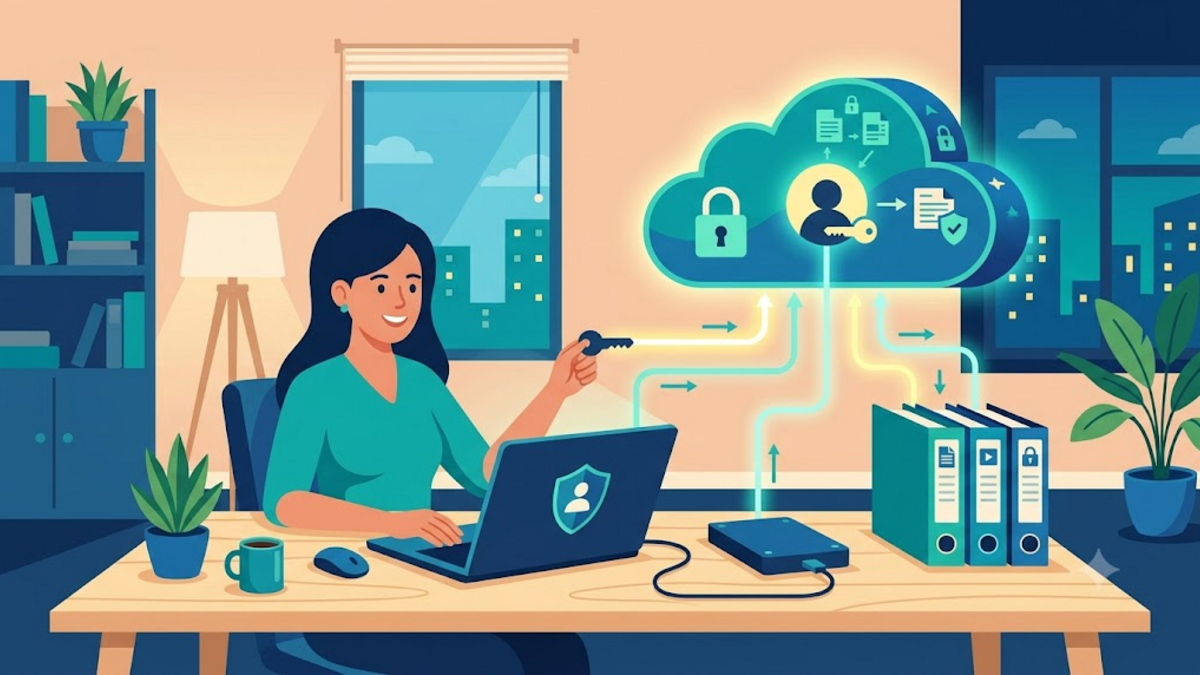
Digital Ownership — Why It's Not Enough to Store Personal Files in the Cloud
There is a sense of relief when an important file has moved to the cloud. A broken laptop no longer feels like a mini-apocalypse, family photos can be opened from anywhere, and work documents don't have to be carried on a flash disk. I also enjoy the convenience. However, after years of storing things digitally, I'm starting to see that saving doesn't necessarily mean owning.
The differences seem trivial until one day we forget a password, a service raises prices, an app closes, or an old file can no longer be opened easily. At that point, data that feels very personal turns out to still depend on the rules, format and continuity of other people's systems. Digital ownership is not an invitation to be hostile to the cloud, but rather a habit of remaining in control of one's own digital life.
Storing, Accessing, and Owning are Three Different Things
Imagine we leave some boxes in a rented warehouse. The boxes are ours, but access to the warehouse follows opening hours, rental fees and management rules. As long as everything goes well, there are no problems. The cloud works more or less like that: very practical, but our access remains through the door provided by the service provider.
Storing means the data is somewhere. Access means we can open it when needed. While owning, in a digital context, means we are able to take a complete copy, understand its basic format, move it to another service, and still open it without relying on one particular application. Not all data should be stored on a home server, but important data should not have only one exit.
It's not about paranoia either. Large services generally have much more powerful infrastructure than home servers. What you need to think about is single dependency. When a single account is home to photos, notes, contacts, documents, authentication, and communications, one account problem can spill over into many parts of your life at once.
Risks That Are Often Unseen
Digital risks rarely come with an alarm bell. They more often appear as small changes: free capacity is reduced, an export feature is moved to a hard-to-find page, or a favorite app changes business model. We usually only realize when we need an old file and it turns out the layout is no longer clear.
Proprietary formats are also worth paying attention to. A note may appear safe within the app, but the export is just an archive that's inconvenient to read anywhere else. Photo albums can be neatly arranged on one service, but the metadata, descriptions and date sequence are not included when moved. If you ever have to move, the job of re-tidying can feel like tearing down a warehouse after many years.
There are also human risks: forgetting your account, losing your two-factor authentication device, or mistakenly deleting auto-synced folders. Clouds often have recycle bins and version histories, but retention policies vary. Important data should not rest on the assumption that the restore button will always be available.
Start from Inventory, Not from Buying Hard Disks
When many people hear the term digital ownership, they immediately imagine expensive NAS, rack servers, or complicated configurations. In fact, the most useful step is actually simpler: knowing what we have. I usually divide data into three groups, namely data that must be saved, data that is comfortable if it remains, and data that can be searched again.
- Must be saved: identity documents, family archives, original photos, work projects, important notes, and password manager backups.
- Convenient if you still have: a collection of music, old designs, installers, or conversation archives that you really want to keep.
- Researchable: downloaded files, application caches, and media copies that are freely available on the internet.
This division helps determine the energy that is worth expending. Not all folders deserve to be treated like national archives. On the other hand, a small folder containing tax documents or family photos needs to be protected more seriously than tens of gigabytes of temporary files.
Use a Format that Doesn't Lock in the Future
Open formats are not guaranteed to last forever, but they extend the chances of the data remaining readable. Plain text, Markdown, CSV, unencrypted PDF, JPEG, PNG, FLAC, and MP4 are generally easier to move and open on multiple devices. For work documents, sometimes an application format is necessary; no problem, as long as we also keep a more general export version if the document is important.
The simplest example is a note. Diaries that only live in one application are actually difficult to pass on to ourselves in the future. Saving a copy of Markdown allows it to be opened with a regular text editor, even when the original application is no longer used. It feels similar to choosing a standard key instead of a special key that only one shop can make.
File names and folder structures are also part of ownership. Folders like baru, baru2, or final-benar might save a few seconds today, but cost us money later. Structures based on year and context are usually quite durable, for example:
Arsip/
  2026/
    Dokumen/
    Foto-Keluarga/
    Proyek-Pribadi/
  Referensi/
  Backup-Ekspor/
Recoverable Backups Are More Important than Existing Backups
A data copy is not a backup if it is on the same disk. Synchronization is not always a backup, because deletion errors can also be synchronized across all devices. The 3-2-1 principle still makes sense: three copies of data, on two types of media, with one copy located in another location. The implementation does not have to be perfect from the start.
For example, the main photo is on the laptop, one encrypted copy is on an external hard disk, and another is stored in the cloud. That combination is already much better than keeping everything in just one account. For small document folders, backups can be run on a scheduled basis with a simple tool like restic. The important thing is not to use the most popular tool, but rather to be able to recover files when needed.
# Contoh: simpan salinan folder dokumen ke repository restic
restic -r /media/backup/restic-repo backup ~/Arsip/Dokumen

# Sesekali periksa daftar snapshot dan uji pemulihan file
restic -r /media/backup/restic-repo snapshots
restic -r /media/backup/restic-repo restore latest --target /tmp/restore-test
The last line is often forgotten. Backup without a test restore is like an umbrella that has never been opened: we only find out it's damaged when it rains. Just take one random file every few months and make sure the results can be opened. This small habit is worth more than a backup dashboard that looks green.
Cloud Is Still Useful, As Long As It's Not Your Only Home
I don't want to go back to the days when sending documents had to be via flash disk. The cloud excels for collaboration, cross-device syncing, and fast file sharing. The problem is not with the cloud, but with the habit of handing over all the original copies without a way back.
A healthier approach is to make the cloud one of the locations, not the only location. Enable periodic export if the service provides it. Save the original folder on your computer or personal storage. Use a password manager so that accounts don't become a point of failure due to memory. If you use encryption, keep the recovery key neatly and provide instructions that you can understand in the future.
Control does not have to mean everything is taken care of by yourself. Sometimes choosing a trusted service is the most sensible decision. Importantly, we have copy, formatting, and exit procedures for when a service is no longer suitable.
Caring for Archives is a Form of Respecting Yourself in the Future
Personal data is not just a collection of bytes. It contains work, memories, decisions, and traces of how we grew. Therefore, tidying up digital archives doesn't need to be done all at once on a tiring weekend. Start with the most important folder, make one additional copy, then name it clearly.
Digital ownership is ultimately a matter of choice. We may embrace the cloud, practical applications, and automation, but don't let the convenience of today erase our ability to move tomorrow. If you have one folder that you really don't want to lose, try making it the starting point of the week. Who knows, a few minutes to make a backup now will save a story that can't be recreated later.