
Phishing and Social Engineering — How Human Attacks Work and How to Protect Yourself
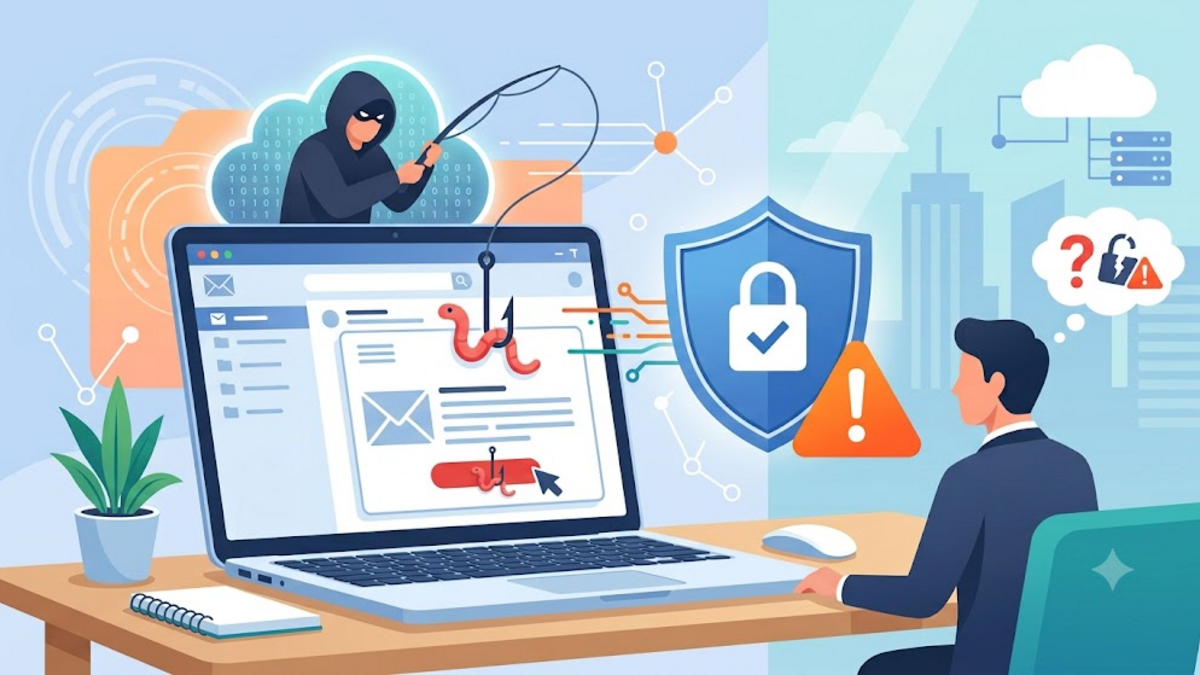
Some time ago I was almost tricked. Not because my device is not secure, nor because my password is weak. It all started with one short message that appeared to come from the bank: a login link, a familiar logo, and a sentence urging me to immediately verify my account. Luckily I stopped for a moment before filling anything. After checking, the domain was almost the same, but one letter had been changed. The attack is called phishing, and it is the most common example of social engineering.
In the world of cybersecurity, we often discuss firewalls, encryption, and patching. But one fact we have to accept: the most dangerous attacks often target not systems, but people. Technology can be updated, but our thinking habits need practice. This article is my personal note — and it might be useful for you — about how social engineering works and what we can do to not become the next victims.
What is Social Engineering?
Social engineering is the art of manipulating people into doing something they shouldn't: clicking a link, providing a password, downloading a file, or even opening a physical door. These attacks do not necessarily require sophisticated exploits. Sometimes all it takes is the right conversation, a fear awakened, or a trust misused.
I like to analogize social engineering to fraud in traditional markets. A smart seller can make you believe that an item is rare, the price will go up, and you should buy now. In the digital world, the same pattern plays out via email, instant messaging, telephone, or social media. The difference is, the scale is much larger and the target is often unaware that they are interacting with the attacker.
Why is Phishing Still Effective?
Phishing is the most common form of social engineering. These can take the form of fake emails, malicious SMS (smishing), fraudulent phone calls (vishing), or even login pages that imitate genuine sites. The reason phishing is still effective is simple: it attacks our most vulnerable pathways — our beliefs and habits.
Just imagine: every morning we open our email without suspecting anything. When a message appears from the company we work for, from a bank, or from a service we use every day, our first reflex is to believe it. Attackers know this. They create nearly perfect visual copy, use similar language, and add an element of urgency. The "Verify Now" button is not just an invitation, but a trap created to get us to act before we think.
Types of Social Engineering that You Need to Know
Not all social engineering takes the form of email. Here are some variants that often appear:
- Phishing: Attacks via email or messages with malicious links or attachments. Usually it is mass.
- Spear Phishing: Phishing aimed at a specific target, often with personal information to make it more convincing.
- Pretexting: The attacker constructs a fake scenario, for example as an IT officer or police officer, to gain information.
- Baiting: Offering something tempting, such as free movie files or a USB left in a public place, to lure the victim.
- Quid Pro Quo: Providing fake help, for example "I'm from the support team, I can fix this error if you allow remote access."
- Tailgating: Following someone into a restricted area without an access card, taking advantage of someone else's courtesy.
Each has different characteristics, but they all build on the same foundation: emotion trumps logic. Fear, curiosity, greed and wanting to help are the four most frequently exploited entry points.
How Phishing Works from a Technical Angle
From a technical perspective, phishing often starts with a lookalike domain. The attacker registers a domain that is similar to the original domain. Example: paypa1.com replaces the letter "l" with the number "1", or amaz0n-security.com adds the words reassurance. To the unobservant eye, the difference is barely visible.
Once the victim clicks on the link, he or she is redirected to a clone page that mimics the original login. The data entered — username, password, OTP, or card number — is immediately sent to the attacker's server. Some pages even redirect victims to the original site after stealing data, leaving the victim unaware of what just happened.
Here is a simple example of how a fake URL can be created to deceive:
Asli:    https://bankcontoh.co.id/login
Palsu:   https://bankcontoh-co-id.secure-verify.xyz/login
Palsu:   https://bankcontoh.co.id.phishingdomain.com/login
The trick is to create a subdomain or path that looks legitimate. Therefore, always check the main domain, not just the text in the link.
How to Protect Yourself?
No antivirus or firewall can completely protect us from human manipulation. However, there are some habits that really help:
- Don't click on links from sources you didn't ask for. If there is an email from the bank, open the official application or website directly, not via an email link.
- Check the sender and domain carefully. See the full email address, not just the display name.
- Be aware of urgency and threats. Sentences like "the account will be blocked in 1 hour" are usually designed to make us panic and act quickly.
- Use MFA/2FA. Even if the password is stolen, the second layer still provides protection.
- Verify via other channels. If your boss asks for a money transfer via email, call or chat directly to confirm.
- Do not download suspicious attachments. Fake PDF, ZIP or document files are often carriers of malware.
- Learn and train. There are services like PhishingBox or company internal simulations that help us recognize attacks.
It's important to understand: protecting yourself from social engineering doesn't mean being someone who doesn't trust anyone. This means being a person who does not automatically give credence just because a message looks official.
If you've already clicked, what should you do?
If you realize you've clicked on a link or entered data on a fake page, don't panic. Quick action can reduce losses:
- Immediately change the associated account password, from a secure device.
- Turn on or make sure two-factor authentication is active.
- Check your login history and account activity to see if there are any suspicious changes.
- If there is a transaction that you do not recognize, contact your bank or related service.
- Report fake emails or messages as phishing to your service provider.
- If this occurs in the work environment, contact the IT or security team immediately.
An incident like this is not a disgrace. In fact, by quickly admitting and reporting, victims can help prevent the same thing happening to others. In many organizations, security policies actually reward employees who honestly report errors.
Conclusion
Social engineering is a reminder that cyber security is not just about technology, but also about habits of thought. Phishing can seem simple, but the impact can be huge — from losing money, to identity theft, to corporate breaches. What makes it dangerous is not the complexity of the attack, but how easily we are provoked by emotions.
As I often remind myself: when something is too urgent, too good to be true, or too demanding of instant confidence, it's a sign to pause and reexamine. Security starts with small habits like that.
If you have an experience of almost being deceived or have additional tips about social engineering, please write in the comments column. Discussions like this actually make us all more alert.