
Ransomware Defense for a Small Lab — Keep Your Data Off the Extortion Menu
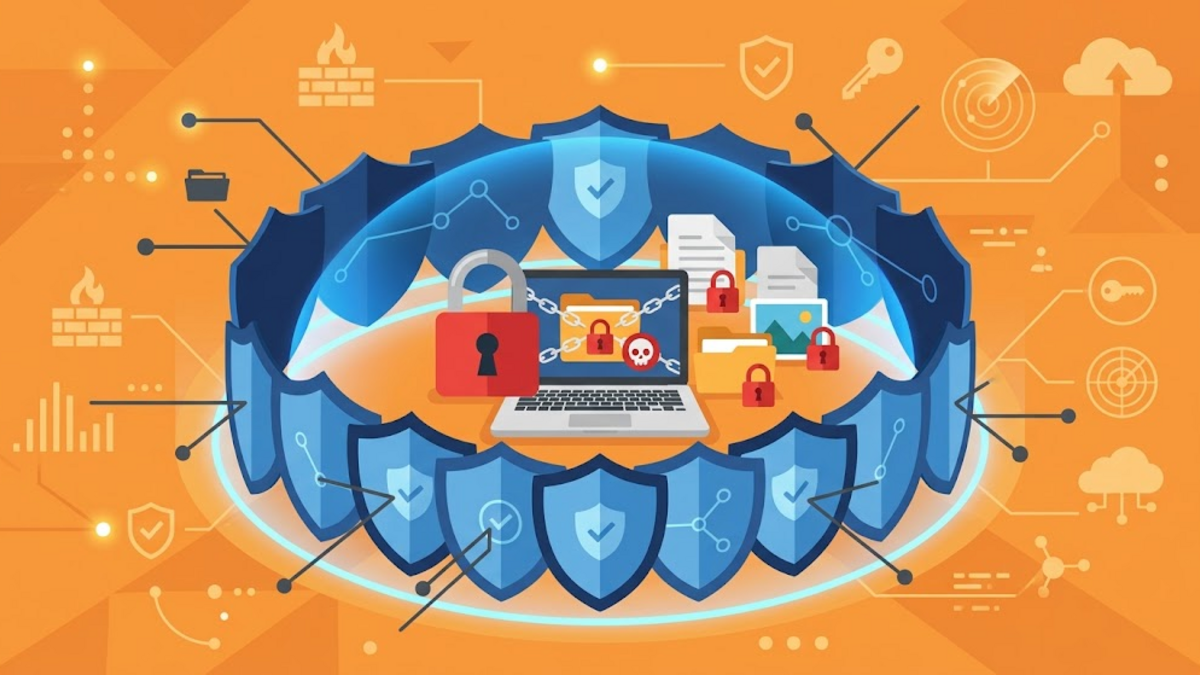
Every time a ransomware story mentions a hospital or a bank, most of us shrug. "That is not my world," we tell ourselves. "My little server at home has nothing worth ransoming." But ransomware is not a heist movie that picks its victims one by one — it is a mass-mailing machine. The attacker does not choose you personally; the attack does. Botnets scan the whole internet around the clock, looking for a door left open. Sometimes that door is yours.
What Ransomware Actually Does
Ransomware is malware that locks you out of your own data — usually by encrypting your files — then demands a ransom in cryptocurrency as payment for the key. What used to be "just" encryption has often turned into double extortion: attackers copy sensitive data first, then threaten to publish it if you do not pay. So the problem is not only "your files are gone"; it is "your data is being held hostage."
For a home server or a small lab, that can mean an encrypted collection of family photos, critical homelab configuration, or personal work documents being held by someone you have never met. The ransom demanded may be small compared to corporate cases — but the pain feels exactly the same.
How Ransomware Gets In
Rarely is there a "hacker" sitting down and picking your target manually. The most common entry points are:
- Phishing — fake emails or messages that trick you into opening an attachment or clicking a link that runs the malware.
- Exposed services — SSH, RDP, or admin panels open to the internet with weak passwords or no brute-force protection.
- Unpatched software — known vulnerabilities that already have a fix, but the fix was never installed.
- Supply chain — tools or plugins you install that were already compromised at the source.
Notice the pattern: most of this is not about how skilled the attacker is, but about doors that were left unlocked. Criminals only need one opening — they scan millions of addresses to find the first one that gives.
Why "Too Small to Matter" Is a Dangerous Assumption
The "I am too small to be a target" argument feels convincing until you look at how the attacks actually work. This is not a bank robbery; it is the equivalent of a thief trying every doorknob in a housing block at night. You are not a target because you are interesting — you are a target because you exist, and a single door that happens to be open is enough.
Automation makes all of this cheap. Internet scanners, stolen credentials sold in bulk, and "ransomware-as-a-service" offerings let almost anyone rent the ability to attack. Small targets are actually attractive because they usually have thinner defenses, rarer backups, and no one watching the logs. To an automated machine, you are a soft file.
Defense in Depth for a Small Lab
The best defense is not one strong wall but several layers that cover for each other — so a single failure does not end the game. For a home server, the layers look roughly like this:
1. Backups That Actually Work
Backups are the last and most decisive mitigation. Ransomware extorts you because your data is encrypted; if you can restore without paying, their game is over. Use the 3-2-1 rule: three copies of your data, on two different media, with one of them offline or off-site.
# Example: daily snapshot to an external location with restic
restic -r sftp:nas:/backup/restic backup /home/adam/data

# Keep old versions so a fresh snapshot is not lost to encryption
restic -r sftp:nas:/backup/restic forget --keep-daily 14 --prune
Just as important: test the restore. A backup that has never been restored is not a backup — it is a wish. Schedule a monthly restore test, for example into a temporary directory.
2. Shrink the Attack Surface
Whatever you do not expose cannot be entered. Do not put SSH, admin panels, or databases directly on the internet. If you need outside access, use a VPN (for example WireGuard or Tailscale) so those ports are only reachable from a network you control. Behind that, a firewall filters everything else.
# nftables — example: allow only the ports you actually use
table inet filter {
  chain input {
    type filter hook input priority filter; policy drop;
    ct state established,related accept
    iifname "lan" accept
    tcp dport 22 accept
    ip6 daddr { ::1, fd00::/8 } accept
  }
}
3. Lock the Doors
If SSH really needs to stay open, make sure it is key-based auth only, root login is disabled, and there is brute-force protection such as fail2ban. Enable multi-factor authentication (MFA) on every service that supports it. Strong passwords are good, but MFA means a leaked password is no longer enough to get in.
4. Patch on a Schedule
Known vulnerabilities are a favorite entry point because they are cheap to exploit. Automate security updates (you can read how in the Automatic Security Updates on Debian post on this blog), but still test before applying major updates to critical services.
5. Detect Before the Damage Is Done
Ransomware takes time to do its work. The sooner you know something changed, the smaller the damage. File integrity monitoring tools such as AIDE can tell you when system files change abruptly, and log monitoring (journald, rsyslog, or Uptime Kuma for uptime) can catch patterns of unusual activity. The goal is not to prevent the attack, but to shorten the time between the malware arriving and it being noticed.
6. Least Privilege for Everything
Do not run services as root unless you have to. Give each process its own user and limit write permissions. If one process is compromised, it cannot immediately encrypt the whole disk. Think of it like house layout: doors between rooms are safer than one door that opens straight onto everything you own.
What to Do If It Happens
If the alarm goes off and your files are encrypted, do three things calmly:
- Isolate — disconnect the device from the network as soon as possible so the malware cannot spread to backups that are still connected.
- Do not pay right away — paying does not guarantee your data returns, and it funds the next attack on someone else.
- Restore from backup — clean the system, then restore from the snapshot closest to before the incident.
Also write down what happened, when, and through which path — this is valuable material for closing the same gap before it happens again.
A Practical Checklist
# Weekly checklist for a small server
[ ] Backup ran successfully (check the latest log)
[ ] Last month's restore test was actually performed
[ ] Security updates are installed and none are pending
[ ] Authentication logs show no suspicious login attempts
[ ] A scan shows no new service exposed to the internet
Conclusion
Ransomware does not require you to be big; it only requires you to be reachable. The good news is that defense at small scale does not need to be complicated — tested backups, locked doors, scheduled updates, and early detection already remove most of the risk. Start with the one layer you are missing, like next month's restore test. If you have your own ransomware story or a homelab tip, drop it in the comments — I always enjoy hearing from the small servers that stayed standing.