
Task Scheduler in Linux — When to Use Cron, When to Use Systemd Timer?
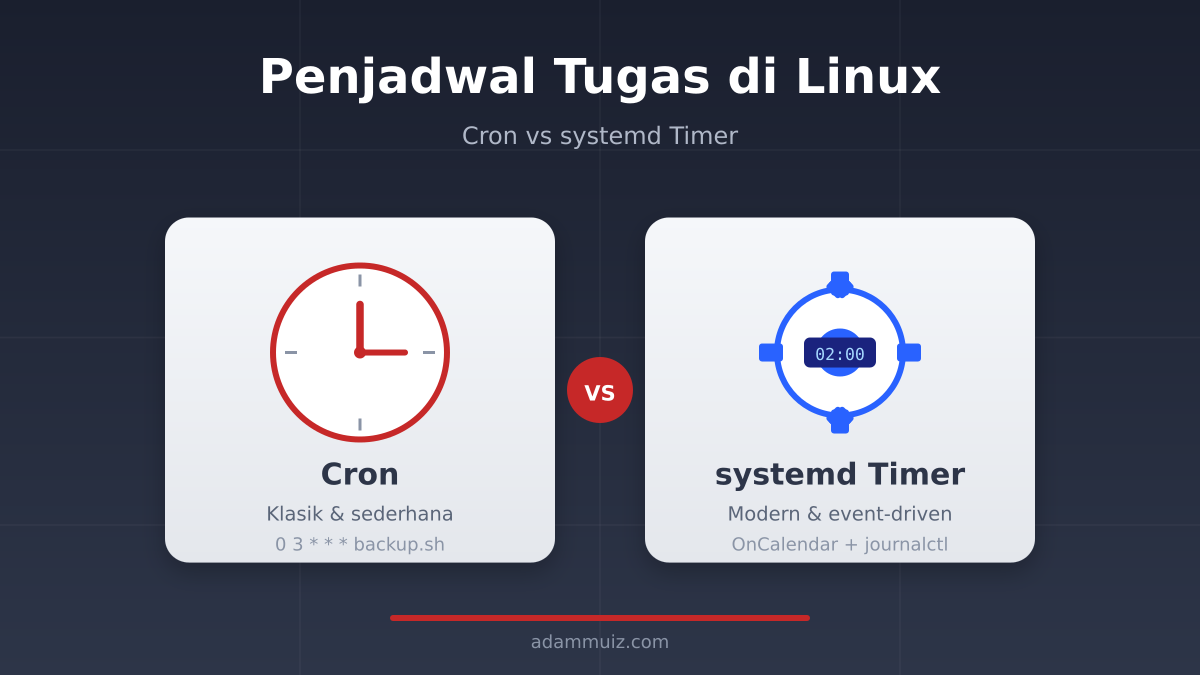
Task Scheduler in Linux — When to Use Cron, When to Use Systemd Timer?
Some time ago, I was building automatic backup for several services on the home server. Everything went smoothly using cron, until one day I needed a task that run once after reboot, then repeat every hour, but only if the previous result failed. This is where the cron starts to feel like a bicycle that has been forced to ride on a refrigerator: it can still run, but makes itself sweat. Finally, I delved into the world of systemd timer and realized that Linux has two timekeepers with quite different characters.
Cron: The Legendary Classic Time Keeper
cron is the oldest and best known task scheduler in the Linux world. It's like the analog wall clock at grandma's house: simple, not many features, but always reliable and almost everyone knows how to read it.
How it works is easy to guess. You write a schedule in /etc/crontab, /etc/cron.d/, or crontab -e, and then the crond daemon will check every minute to see if there are any tasks to run. The format has become a universal language among sysadmins:
# menit jam tanggal bulan hari command
0 3 * * * /usr/local/bin/backup.sh
The line above means: “run backup.sh every 03:00”. The first five columns are time, the rest are commands. Simple, right? That is the main strength of cron: zero ceremony. No need to create unit files, no need to think about dependency, and almost all distros have it built in.
But over time, I found some limitations that started to bother me:
- There's no neat built-in logging. If the task fails, you'll have to redirect the output yourself to a log file or rely on
mail. - Cannot execute tasks based on events. Cron only recognizes time, not conditions such as "after service X is active" or "after reboot".
- Managing lots of jobs becomes messy. Everything is piled up in one crontab file, it's hard to trace when there are dozens of lines.
- There is no built-in retry mechanism. If the command fails because the network is temporarily down, cron will not try again until the next scheduled time.
Simple analogy: Cron is like a cell phone alarm. It goes off on time, but doesn't care if you're awake, still sick, or out of town. Sound, done.
systemd Timer: Event-Based Modern Timekeeper
Enter systemd timer. It is not an absolute replacement for cron, but rather a more feature-rich alternative. Imagine that cron is your phone's alarm, while systemd timer is a smart assistant that knows when you sleep, when you wake up, and can adjust tasks based on the circumstances around you.
The timer in systemd works in tandem with service unit. You create two files: one for what was done, another for when it was done. An example is like this:
# /etc/systemd/system/backup.service
[Unit]
Description=Backup harian server

[Service]
Type=oneshot
ExecStart=/usr/local/bin/backup.sh
# /etc/systemd/system/backup.timer
[Unit]
Description=Timer backup harian
[Timer]
OnCalendar=daily
Persistent=true
[Install]
WantedBy=timers.targetThen activate it with:
sudo systemctl daemon-reload
sudo systemctl enable --now backup.timer
What's interesting about systemd timer is its flexibility. In addition to time, you can trigger tasks based on:
OnBootSec— runs a few seconds after booting.OnUnitActiveSec— runs a certain amount of time after the unit was last active.OnFailure— runs if other services fail.OnCalendar— similar to cron, but with more expressive syntax.
In addition, systemd directly provides journalctl for logging. No need to worry about manual log files anymore, just type:
sudo journalctl -u backup.service -eDirect Comparison: Cron vs systemd Timer
To make it clearer, I made a comparison table based on my experience using both on the home server:
| Aspect | Cron | systemd Timer |
|---|---|---|
| Easy setup | Very easy, one line | Requires two unit files |
| Logging | Manual, to file or mail | Automatically via journalctl |
| Dependency | None | Can depend on other services/units |
| Automatic retry | None | Can use Restart=on-failure |
| Event-based | Time only | Time + event |
| Portability | Almost all Unix-like | Distro with systemd |
When is it Best to Stick with Cron?
Even though it sounds like cron is outdated, there are many situations where cron is still the best choice:
- Fast, temporary script. If you just need to “run this every hour for three days”, it's faster to use
crontab -ethan to create two unit files. - Server without systemd. Some minimal distros such as Alpine or certain containers do not use systemd.
- Cooperation with different users. Per-user crons are quite intuitive for servers managed by many people.
- Tasks that do not require complicated logging. A simple backup to an external USB for example, simply outputs to its own log file.
When to Switch to systemd Timer?
On the other hand, systemd timers start to take over as your tasks become more complex:
- You need automatic retry. For example, synchronization to cloud storage sometimes fails due to timeouts.
- Tasks must run after certain services are active. Such as clearing the cache after Nginx reloads.
- You want logging consistency. All logs in one place via
journalctl. - Job is closely related to services that are managed by systemd. Example: database backup which previously had to wait for MariaDB to be active.
Practical Example: Retryable Automatic Backup
Imagine you have a backup script that sends data to a remote server via rsync. Sometimes the network is a little shaky, and backups fail. With cron, you have to wait for the next schedule. With systemd timer, you can add retry:
# /etc/systemd/system/daily-backup.service
[Unit]
Description=Daily backup with retry

[Service]
Type=oneshot
ExecStart=/usr/local/bin/backup.sh
Restart=on-failure
RestartSec=5min
# /etc/systemd/system/daily-backup.timer
[Unit]
Description=Run daily backup at 2 AM
[Timer]
OnCalendar=*-*-* 02:00:00
Persistent=true
[Install]
WantedBy=timers.targetWith this configuration, if backup.sh exits with an error code, systemd will try again every 5 minutes. Much more elegant than creating a wrapper bash script.
So, Which is Better?
The short answer: none is absolutely better. Cron and systemd timer are two tools for two different needs, although their main function is both to run scheduled tasks.
If I may conclude from personal experience: use cron for fast and temporary tasks, use systemd timer for tasks that require reliability and integration with other services. On my own home server, there are still several crontab lines that have not needed to be changed for years, while I tend to direct new tasks to systemd timer because it is easier to monitor.
The most important thing is to understand when a tool starts to become burdensome. If you feel like your cron setup is starting to get filled with wrapper scripts, manual logs, and hack retries, that's a sign that it's time to try out the systemd timer.
Are you more comfortable using cron or have you started migrating to systemd timer? Write in the comments column if you have any interesting experiences regarding the task scheduler on Linux. If this article is useful, don't hesitate to share it.