
WebSocket — From Polling to Direct Connections: Why Real-Time Applications Need This Protocol
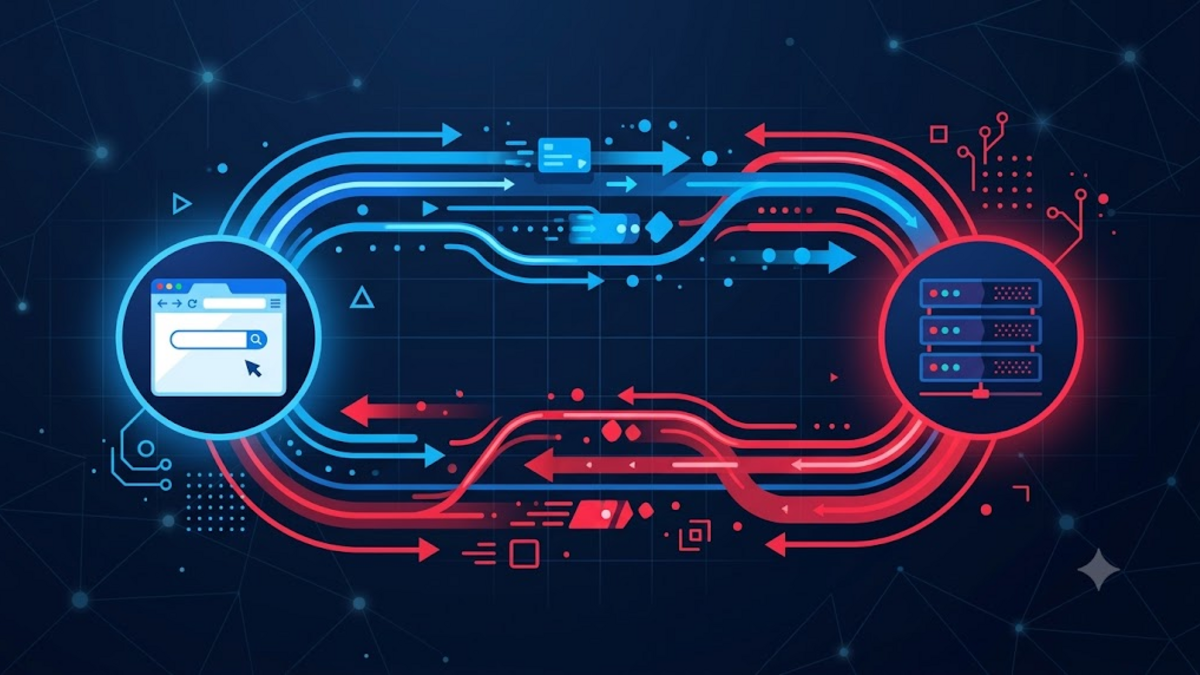
Some time ago, I just made a simple page to display live server logs. The initial idea was just to refresh the page every 5 seconds using JavaScript. When you look at the results, it feels like waiting for a message in the SMS era: tense, slow, and wastes battery. I just realized, there is a much more elegant way for two-way communication between the browser and the server: WebSocket.
WebSocket is like a direct tunnel that opens from the browser to the server. Once the door is open, both parties can send messages to each other at any time without having to open a new door. If regular HTTP is like visiting a friend's house, and after chatting you go straight home, WebSocket is like chatting via an intercom that is always connected.
HTTP Is Not a Two-Way Route
Before WebSocket, the most common way to get the latest data from a server was polling. The browser requests data from the server every few seconds, even though the data does not necessarily change. It's like you ask a friend, "Are you there yet?" every minute, even though he was still on the road.
There is a more efficient variant called long poll. The server holds the request until there is new data, then replies. But still, every reply must be closed and a new request opened again. The overhead is still large, especially for applications that require low latency such as chat, live notifications, or dashboard monitoring.
HTTP is designed for request-response: client requests, server replies, done. It does not have a built-in mechanism for the server to actively send data to the client. WebSocket came to fill that gap.
WebSocket: TCP Tunnel Opened via HTTP
WebSocket starts with plain HTTP. The client sends a request with a special header:
GET /chat HTTP/1.1
Host: example.com
Upgrade: websocket
Connection: Upgrade
Sec-WebSocket-Key: dGhlIHNhbXBsZSBub25jZQ==
Sec-WebSocket-Version: 13
Servers that support WebSocket will reply with status 101 Switching Protocols:
HTTP/1.1 101 Switching Protocols
Upgrade: websocket
Connection: Upgrade
Sec-WebSocket-Accept: s3pPLMBiTxaQ9kYGzzhZRbK+xOo=
After this handshake, the HTTP connection changes to a WebSocket connection. From here, the browser and server can send each other frames data in the same channel, without repeated HTTP headers. Lighter, faster and more real-time.
Hands-On: A Simple Node.js Server
I like Node.js for WebSocket experiments because it's lightweight. Just install the ws package, then create a server file. The example below creates a server that broadcasts messages from one client to all connected clients:
// server.js
const WebSocket = require('ws');
const wss = new WebSocket.Server({ port: 8080 });

wss.on('connection', (ws) => {
  console.log('Client baru terhubung');

  ws.on('message', (message) => {
    const text = message.toString();
    console.log('Diterima:', text);

    // Broadcast ke semua client
    wss.clients.forEach((client) => {
      if (client.readyState === WebSocket.OPEN) {
        client.send(text);
      }
    });
  });

  ws.on('close', () => {
    console.log('Client terputus');
  });
});

console.log('WebSocket server berjalan di ws://localhost:8080');
Run node server.js, then the server is ready to accept connections. The most interesting part: one line of client.send() from the server can go straight to the browser without waiting for a new request.
Client in Browser
On the browser side, we use the built-in JavaScript WebSocket object. No need for additional libraries for simple cases:
// client.js
const socket = new WebSocket('ws://localhost:8080');

socket.addEventListener('open', () => {
  console.log('Terhubung ke server');
  socket.send('Halo dari browser!');
});

socket.addEventListener('message', (event) => {
  console.log('Pesan dari server:', event.data);
  document.getElementById('log').innerText += event.data + '\n';
});

socket.addEventListener('close', () => {
  console.log('Koneksi tertutup');
});

socket.addEventListener('error', (error) => {
  console.error('Terjadi error:', error);
});
Pay attention to the message event: this is what makes WebSocket different from fetch or AJAX. The server can trigger this event at any time. The browser does not need to refresh or poll. Just listen, like the radio is always on.
When Should You Use WebSocket?
WebSocket is not the solution to all problems. It is most valuable when the application has a push pattern from server to client. Here are some examples:
- Chat and messaging: incoming messages must appear immediately to the recipient without reloading.
- Live notification: real-time notifications such as monitoring alerts or stock price updates.
- Collaborative editing: Google Docs-style, where changes from one user must be immediately visible to other users.
- Online gaming: low latency is everything.
- IoT dashboard: sensors send data continuously to the dashboard.
All the scenarios above have something in common: data flows continuously, the direction can be two-way, and the delay must be small.
When is WebSocket Not Necessary?
On the other hand, using WebSocket for things that are actually suitable for using regular HTTP actually adds complexity. Don't use WebSocket if:
- Data rarely changes and users do not need instant updates.
- The application only requires a simple request-response, like a login page or submit form.
- Your server does not have a mechanism to handle many open connections simultaneously.
WebSocket keeps connections open. Each connection takes up memory and a file descriptor. If the application is enough to poll every 30 seconds, maybe there's no need to bother.
Security and Production Notes
If the application is in production, don't forget to use wss:// instead of ws://. wss:// is the encrypted version, just like HTTPS. Additionally, consider:
- Authentication: client verification during handshake, for example via a token in the query string or cookie.
- Rate limiting: limits how many messages the client can send per second.
- Heartbeat: send ping/pong periodically to ensure the connection is still alive.
- Reconnect: in the browser, prepare reconnect logic with exponential backoff if the connection is lost.
On the home server, I often use WebSocket for small things: monitoring logs, download status, or backup process notifications. The result? The dashboard feels alive, without having to be forced to refresh every time.
Conclusion
WebSocket is a protocol that changes web communications from a "question-and-answer" pattern to an ongoing two-way conversation. For real-time applications, it is much more efficient than polling or long polling. But like every technology, it has its rightful place: use it when you need server push, low latency, and persistent connections.
If you have a small project that needs live updates, try creating a simple WebSocket server. It feels different when the browser stops being a visitor who keeps knocking on the door, and starts being a resident sitting chatting in the living room.
Do you have any experience using WebSocket yourself? Or are you still confused about when to use polling and when to use WebSocket? Write in the comments column, I'd love to hear your story.