
systemd Credentials for Service Secrets - Pass Data Without Putting It in the Environment
A background service needs a database password before it can do useful work. Putting that password in Environment= looks convenient: the application already knows how to read environment variables, and the unit remains short. But convenience creates a more important question: is the process environment an appropriate channel for secret data?
The systemd execution manual answers that question directly. It says environment variables are not suitable for secrets because values configured for a unit can be exposed through manager IPC and are inherited down the process tree, potentially across boundaries that were not meant to receive them. An EnvironmentFile= may keep a value out of the unit text, but the service still receives the value as an environment variable.
systemd credentials offer a different delivery channel. They do not eliminate the need to protect, rotate, or revoke a secret. They do let the service read that secret from a per-unit file instead of carrying the value in its environment. That narrower claim is useful on a small Debian server, as long as its limits remain visible.
What changes when a secret becomes a credential?
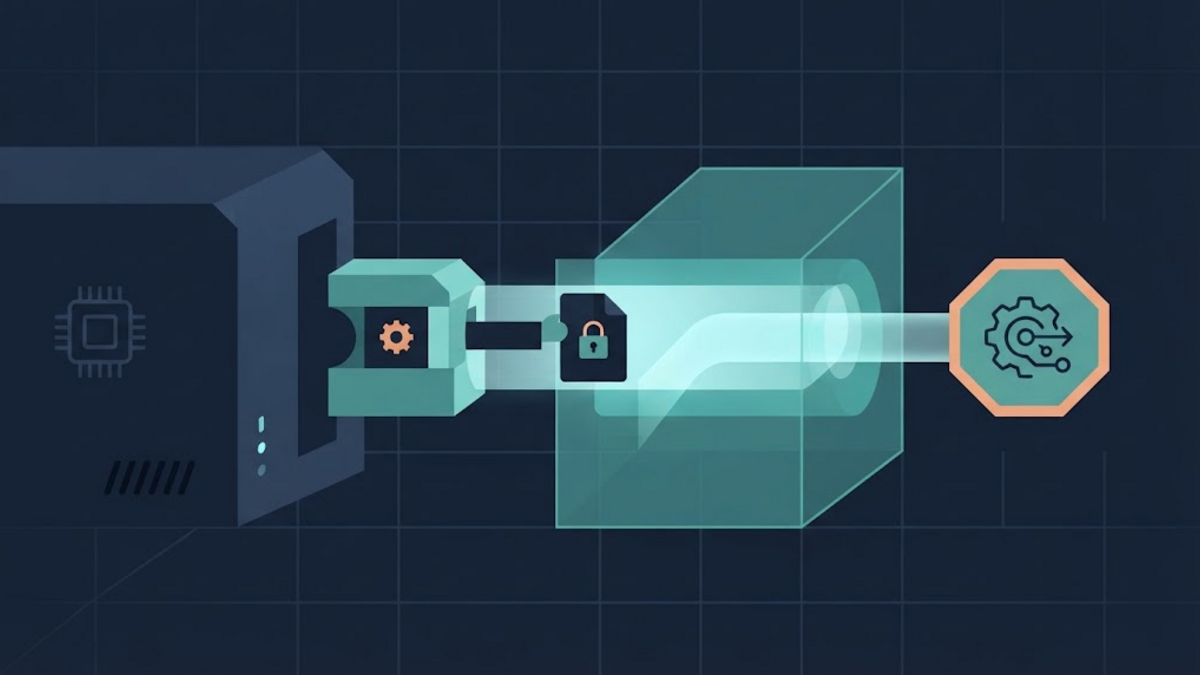
A systemd credential is a limited-size text or binary object delivered to a unit. With LoadCredential=, the service manager reads a source file or socket and prepares a separate copy for the unit. The service sees this copy in a read-only credential directory. According to systemd.exec(5), the directory is accessible to the unit's configured user and to root, and is backed by non-swappable memory when the platform and privileges permit it.
The path to that directory is available to the process as $CREDENTIALS_DIRECTORY. Inside unit settings, the %d specifier expands to the same directory. The distinction matters: putting a path such as /run/credentials/example.service/db-password in an environment variable does not put the password there.
This changes the exposure pattern rather than making the data mysterious. A process that legitimately needs the password can read it. Root can read it. A vulnerability that lets an attacker act as the service may also let that attacker read it. Credentials reduce avoidable exposure; they are not a boundary against the intended consumer.
A minimal plaintext-source setup
Suppose a service called example-worker.service runs as a dedicated account. Its unit could load a root-controlled source file under /etc and tell the application where the prepared credential will appear:
[Unit]
Description=Example background worker

[Service]
Type=simple
User=example-worker
LoadCredential=db-password:/etc/example-worker/db-password
Environment=DB_PASSWORD_FILE=%d/db-password
ExecStart=/usr/local/bin/example-worker
The source file must still be protected with restrictive ownership and permissions. The unprivileged service account does not need direct access to /etc/example-worker/db-password; the system service manager reads it and makes the per-unit copy available when starting the service. This is particularly useful with a dedicated or dynamic service user because operators do not have to make one persistent plaintext file broadly readable just so the service can start.
There is an important limit in the word copy: LoadCredential= does not encrypt the source file. If the password is stored as plaintext under /etc, it remains plaintext there, in backups, and in any snapshot containing that path. File permissions are still part of the security design.
Let the application accept a file path
The cleanest application interface is usually a setting that accepts a secret file path. It keeps the actual value out of command-line arguments and environment variables while allowing the deployment layer to decide where the file lives.
A small PHP worker could read the path defensively like this:
<?php
$passwordFile = getenv('DB_PASSWORD_FILE');

if ($passwordFile === false || $passwordFile === '') {
    throw new RuntimeException('DB_PASSWORD_FILE is not configured');
}

$password = file_get_contents($passwordFile);
if ($password === false) {
    throw new RuntimeException('Database password cannot be read');
}

$password = rtrim($password, "\r\n");
Removing only trailing line endings is deliberate. A broad trim() would also remove spaces and other characters that might be part of the secret. Whether line endings should be removed at all depends on how the credential was created; binary keys should be treated as binary data rather than edited as text.
The application should avoid logging the value, including it in an exception, or copying it into a child process environment. A file-based handoff narrows one exposure route, but careless application behavior can open another.
When plaintext at rest is the remaining problem
For a source file that should not remain as plaintext on disk, systemd also supports encrypted credentials. The systemd-creds manual documents how to encrypt and authenticate a credential using a key derived from a TPM2 device, a root-readable host key stored under /var/lib/systemd/, or both. Exact capabilities vary by systemd version and host, so systemd-creds --version and the locally installed manual are better compatibility checks than an example copied from a newer distribution.
This command prompts without displaying the password and writes an encrypted credential named db-password:
sudo mkdir -p /etc/credstore.encrypted
systemd-ask-password -n | sudo systemd-creds encrypt \
  --name=db-password \
  - /etc/credstore.encrypted/db-password
The unit then uses the encrypted variant of the directive:
[Service]
User=example-worker
LoadCredentialEncrypted=db-password:/etc/credstore.encrypted/db-password
Environment=DB_PASSWORD_FILE=%d/db-password
ExecStart=/usr/local/bin/example-worker
At service start, systemd authenticates and decrypts the stored object, then provides plaintext to the process through the same credential-file interface. Encryption therefore protects the stored representation; it does not prevent the running service from obtaining the original value.
Choose the encryption claim carefully
Host-key encryption and TPM2-backed encryption answer different threat models. A root-only host key can protect a copied credential file when the key is not also available, but an attacker with sufficient access to both the encrypted file and that host key has the material needed for decryption. TPM2 binding can tie decryption to local hardware. It can also introduce recovery and migration questions: what happens when the machine, motherboard, operating-system installation, or boot policy changes?
There is no universal best mode independent of recovery requirements. Before binding an irreplaceable secret to one machine, keep a separately protected recovery path and test it. Encryption that works perfectly until the only server fails is not a complete availability plan.
What credentials do not manage
The name can make this feature sound larger than it is. systemd credentials are a delivery and, optionally, at-rest protection mechanism. They are not automatically a full secrets-management service.
The OWASP Secrets Management Cheat Sheet describes a broader lifecycle: access control, creation, rotation, revocation, expiration, auditing, backup, and recovery. A static database password loaded by systemd still needs decisions in each of those areas. Encrypting the local blob does not shorten the password's lifetime, reduce its database privileges, or reveal that somebody copied it after the service read it.
Rotation also crosses two systems. The backing database or API must accept the new secret, and the credential source must be replaced safely. The service generally needs a restart or another application-specific reactivation path before it receives a newly prepared credential. That transition should be planned so the old and new values do not leave the service locked out.
A cautious migration checklist
- Check the local version. Read the installed
systemd.exec(5)andsystemd-creds(1), not only the latest online pages. - Give the service its own identity. A credential restricted to a shared account still inherits the breadth of that account.
- Add a file-path interface. Make the application accept something like
DB_PASSWORD_FILEwithout logging its contents. - Start with the threat model. Decide whether restrictive plaintext storage is sufficient or whether offline copies and backups require encrypted credentials.
- Keep the unit free of literal secrets.
SetCredential=is documented for non-sensitive data; use the loading or encrypted directives for secrets. - Validate before restarting. After replacing the example names and paths with real ones, run
sudo systemd-analyze verify /etc/systemd/system/example-worker.service, then reload the manager and restart during a controlled window. - Verify without printing the value. Check that the unit starts, the application can authenticate, and logs and diagnostics do not contain the credential.
- Document rotation and recovery. Record how to replace the secret, which service must restart, and how encrypted data can be recovered after hardware loss.
A smaller channel, not an absolute shield
Moving a secret from an environment variable to a systemd credential is valuable because it makes the handoff more explicit and gives the value a narrower filesystem interface. Using an encrypted credential can additionally protect the stored copy against some offline threats. Neither step changes the basic truth that a service must see a secret in order to use it.
The useful question is therefore not “Does this make the password safe?” but “Which unnecessary readers and storage locations does this remove, and which risks remain?” On a small server, an honest answer often leads to a modest design: one service identity, one purpose-specific credential, minimal privileges, no secret in logs or unit environment, and a recovery procedure tested before it is needed.